An Electrolux dryer reset on our code pages means a power cycle: turn the dryer off at the breaker for thirty seconds, then restore power. That clears a one-off glitch for several display codes, and if the code comes back, the problem is real and needs the fix named on that code’s page. Our pages do not describe a reset button or a factory reset on these dryers, so if you are looking for one, check your owner’s manual for your exact model.
How do you reset an Electrolux dryer?
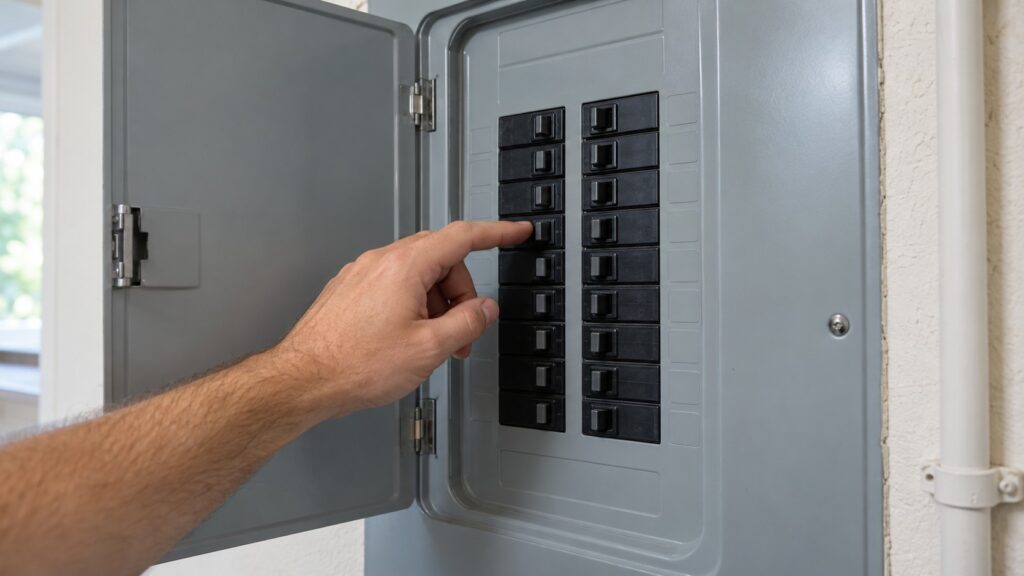
Stop the cycle and let the drum come to rest. Then switch the dryer off at the breaker panel, wait thirty seconds and switch it back on. The thirty-second wait comes straight from our code pages, which use it for E1, E3 and E5. After the power is back, start a short cycle and watch whether the code returns immediately. If it clears, the glitch is gone. If it returns, resetting again will not help, and our E3 page specifically says to avoid repeated power cycling if the problem is constant. The exact way to cancel a cycle or release a panel lock differs by model, so use your owner’s manual for the buttons on your dryer.
Use the breaker, as our pages describe. Do not open the dryer or its electrical connections to chase a code.
Is there a reset button or a hard reset on an Electrolux dryer?
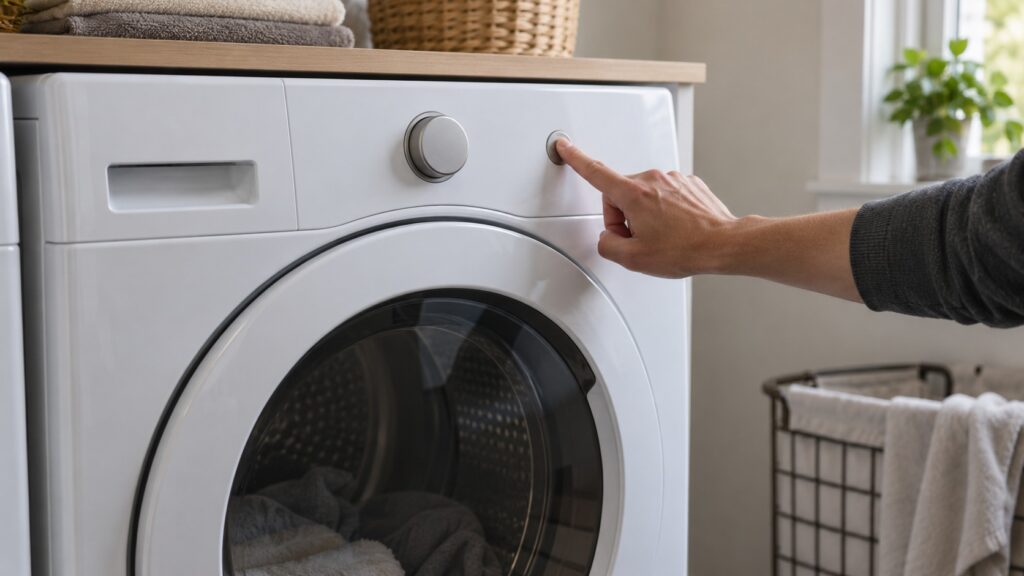
Our pages do not describe one, and we will not guess at a button sequence for your model. People search for a reset button, a hard reset, a factory reset and a way to clear error codes, and for these dryers the documented method on our site is the breaker power cycle above. If your manual describes a button combination for your model, follow the manual. A code on our pages is cleared by fixing the cause named on its page, with the power cycle as a first step for some of them.
Which Electrolux dryer codes can a reset clear?
A reset is worth a try for the codes that describe a possible one-off glitch. E1 is a thermistor failure that reads the exhaust-air temperature as out of range or open, and E5 means the outlet thermistor resistance is very high or open; for both, our pages suggest the breaker power cycle and then a technician if the code persists. E3 is a control-board communication error with the same first step. Note whether the code clears or returns immediately, and tell the technician what you saw.
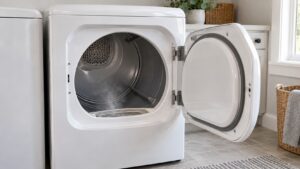
Some codes are about something other than electronics. E 42 means the door is open: open it fully, clear anything caught in the seal and close it firmly until it latches, then restart the cycle. Do not force a door that feels obstructed. EF1 is a ventilation-blockage warning; the fix is a clean lint filter, a clear exhaust tube and a clear outside hood, as in our dryer vent cleaning guide. E2 is the high-limit thermostat, an excess-heat safety device, so switch the dryer off at the breaker, let it cool completely and check the lint filter, duct and outside vent before anything else. Replacing the thermostat is a technician job.
What should a reset not be used for?
A reset is not a repair, and some codes should not be reset at all. H2, also shown as B2, is a power-supply issue and our page says it is not a dryer-internal problem: do not open the electrical connections, check whether other appliances show power problems and contact your electric utility. H4, also shown as B4, means incorrect wiring at installation, which is for a qualified person. E4, a failed humidity sensor, lets the current cycle finish despite the code, but if it recurs you should contact service. Two readouts are not errors at all: Mute means chimes and tones are turned off, and AD is the Auto Dry indicator.
Never keep resetting a dryer that smells of burning or is hot to the touch. Switch off the breaker at the panel while standing on a dry floor, leave the dryer off and book a visit.
When does a reset fix a dryer that will not start?
Sometimes, but check the simple things first: a door that is not closing firmly enough to trigger the switch, a different cycle selected, and the supply. Our guide to an Electrolux dryer not turning separates a drum that will not tumble from a dryer that will not start, and a dryer that hums but does not tumble usually points to the belt or motor and should not be run. If the dryer starts but does not heat, read why an Electrolux dryer is not heating, and for the full list of display alerts see our Electrolux dryer error codes guide.