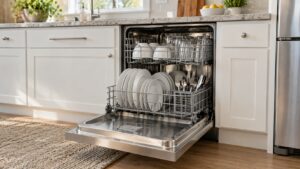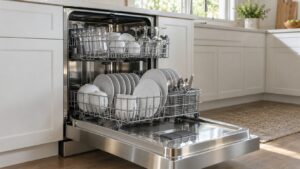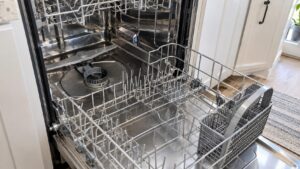
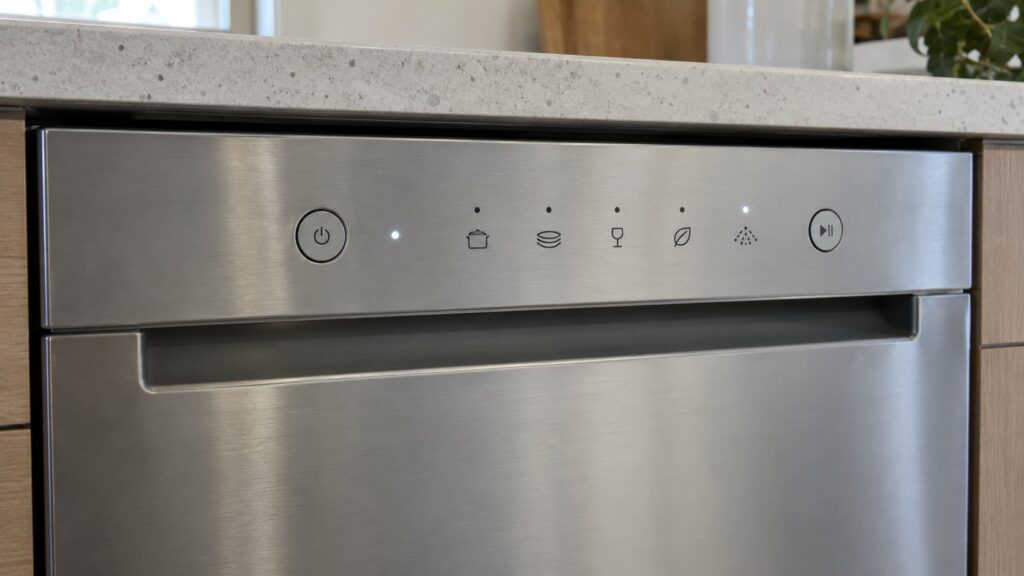
Electrolux dishwasher symbols come in three kinds: cycle and option icons that you choose, status indicators that tell you what the machine is doing, and i-series fault codes that tell you something needs attention. Our site explains the status indicators CL and PF and the i-codes from i10 to i90 and iF0. The icons and settings printed on your own panel differ by model, so your owner’s manual is the reference for those, and this glossary shows you how to tell the three kinds apart.
What kinds of symbols does an Electrolux dishwasher show?
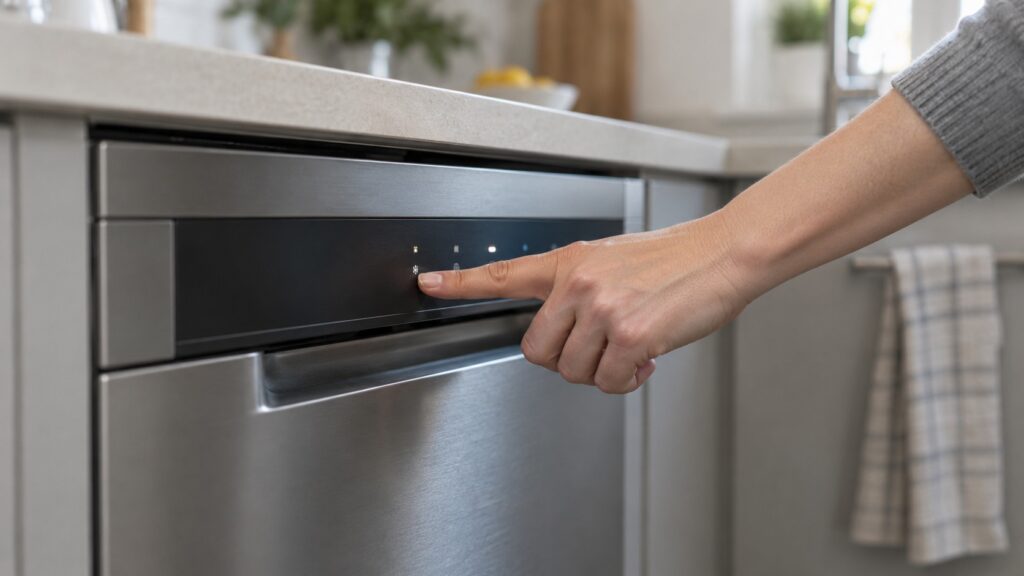
Think of the panel in layers. The first layer is what you press: icons or short names for wash programs and options such as a delayed start, a drying choice or a heavier wash. The second layer is what the machine tells you while it works: lights, a countdown or a short indicator such as CL or PF. The third layer is what it tells you when something is wrong: a code beginning with i. People often search for “fault symbols” and find that a status indicator was never a fault at all, so it helps to sort what you see into those three groups before you do anything else.
What do the cycle and option icons mean?
This is the part we cannot spell out for you. The site’s dishwasher pages cover codes and care, not a list of panel icons, and the icons, the cycle names and the options change from one Electrolux model to the next. In general, dishwasher panels use pictures or short names for the wash intensity, a delayed start, a drying option and a status light for rinse aid, and you press a program button before Start. What each icon does on your exact model, and which options can be combined, is in the panel section of your owner’s manual. If you no longer have the manual, find the model and serial number on the label at the edge of the door or inside the tub and use that to look up the right one. Do not guess at an icon that you cannot match; running the wrong program is a nuisance, but a code you misread can send you looking for a repair you do not need.
What do CL and PF mean on an Electrolux dishwasher?
They are status indicators, not faults. Our CL page says CL means the door is open or not fully latched. The checks are simple: close and firmly latch the door, make sure nothing is blocking it, and confirm the racks are pushed all the way in. If the indicator persists with the door firmly shut, the page treats it as a latch or switch issue, which is a technician’s job. Our PF page says PF means power was lost mid-cycle, from a brief outage, a surge or a breaker trip. Press Start/Cancel to clear it and restart the cycle from the beginning. If PF keeps recurring with no actual power outage, the page recommends having the household wiring and circuit checked.
Our dishwasher overview lists two more status indicators that are not problems: LOC means the door is locked, which is normal, and Hd or HO is a heat-delay status. Treat them as information, not faults, and see your owner’s manual for when each appears on your model.
What do the i-codes mean?
The i-series codes are the fault messages. Each has its own page: i10 for not enough water during the fill, i20 for water that stayed past the drain window, i30 for water in the base pan, and pages for i40 to i90 and iF0. Several of them start in the same place: the filter and sump. Our pages list soil buildup for i40, foam or debris around the pump intake for i50, and foam, suds or debris affecting the water-level sensor for iF0. The matching habit is in our dishwasher maintenance guide, which shows how to remove and rinse the filter. Others point to parts: i70 to the sump temperature sensor, i80 to a memory communication problem on the control board, and i90, which can also show as i91 to i99, to a board configuration problem.
Which codes can you try to clear yourself?
The ones that point at the filter, the door or the supply. Clean the filter and sump for i40, i50 and iF0, close the door properly for CL, and check the supply valve and inlet hose for i10. For i60 the page says to check the household water heater setting and clean the filter. For i30, the water in the base pan means you should leave the dishwasher switched off and the water supply off, and have the door seal, spray arm and filter checked, since the page lists a genuine internal leak as one possible cause. If you see water near the plug or the outlet, switch off the breaker at the panel while standing on a dry floor, and never pull a plug from a wet outlet. For i80 and i90, our pages say not to keep retrying resets; book service for the control board.
How do you find the right answer for your model?
Start with what the panel shows. If it is an icon you chose, the owner’s manual explains it. If it is CL or PF, use the steps above. If it begins with i, open the page for that code. Then note whether it returns after a restart and have the model and serial number ready when you book. Our Electrolux dishwasher repair page explains what a visit covers, and we are an independent service, so we read your code, confirm the part and give you an estimate before work begins.